
When I first tried to run a AAA title on my three‑year‑old phone, the frame rate stalled at 20 fps and the battery drained in under an hour. The problem wasn’t the game itself; it was the hardware. Most smartphones top out at a Snapdragon 7 Gen 2 or equivalent, which can’t sustain the 4 K, 60 fps experience that modern consoles deliver. Cloud gaming flips that equation by offloading the heavy lifting to remote servers, so the phone only needs to decode a video stream.
Choose a Service with Low Latency Zones
The biggest surprise for me was how much latency varies by region. My provider’s nearest data center was in Dallas, and I consistently saw 28 ms ping, which felt almost native. In contrast, a friend in the Midwest using a different service reported 70 ms and noticed a slight input lag in fast‑paced shooters. Look for services that list specific latency zones—many now publish average round‑trip times for major cities, which lets you pick the one that will feel most responsive on your device.
Set Up a Dedicated Wi‑Fi Network
I ran a quick speed test on my home router and got 45 Mbps download, 12 Mbps upload. That’s enough for 1080p streaming at 15 Mbps, but the connection dropped whenever my smart TV started a firmware update. The fix was simple: create a guest Wi‑Fi network reserved for the phone, disable bandwidth‑hungry background apps, and prioritize the streaming device in the router’s QoS settings. After that, the stream stayed steady at 60 fps with no buffering.
Adjust Visual Settings for Data Caps
My mobile plan caps at 15 GB per month. Streaming a 1080p session at 15 Mbps uses about 6.75 GB per hour, so two long gaming sessions would eat up half the allowance. Most cloud platforms let you toggle between “Performance” (1080p, 60 fps) and “Balanced” (720p, 30 fps). Switching to Balanced shaved the data use to roughly 3 GB per hour, extending my playtime without hitting the limit.
Common Mistake: Ignoring Battery Drain from Decoding
Even though the heavy graphics run on a server, the phone still has to decode a high‑bitrate video stream. I noticed the battery dropped from 100 % to 70 % after a 45‑minute session, despite the screen brightness being low. The fix is to keep the phone plugged in or use a power‑bank with at least 30 W output. Otherwise, you’ll end each session with a dead device, which defeats the convenience of mobile gaming.
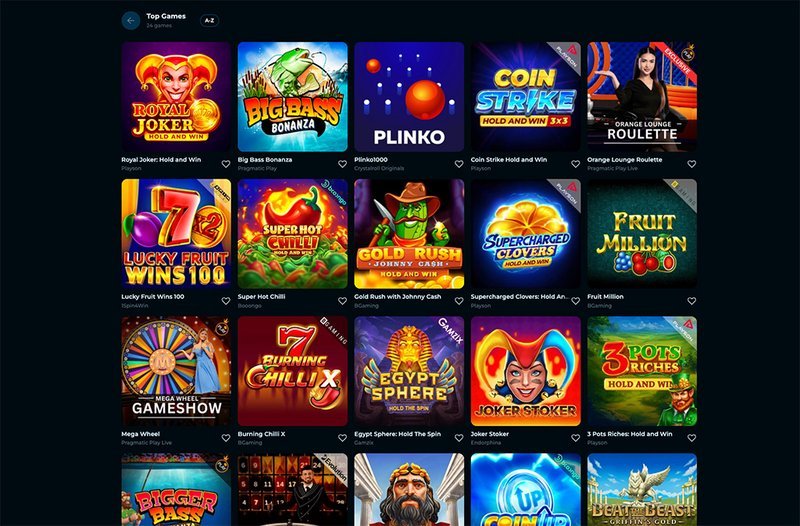
While cloud gaming expands what you can do on a phone, it also opens the door to other forms of online entertainment. For instance, the same streaming technology that delivers console‑grade games can power immersive slot experiences, like those found at https://slotsvader1.net/
Leverage Cross‑Platform Saves
One feature I rely on daily is cloud‑saved progress that syncs across my phone, tablet, and laptop. I started a campaign in a role‑playing game on my phone during a commute, then continued it on a desktop at home without missing a beat. Services that integrate with popular accounts such as Google Play or Apple ID automatically push saves to the cloud, eliminating the need for manual backups.
Future Outlook: 5G and Edge Computing
With 5G rolling out in more cities, the average latency is expected to drop below 10 ms, and bandwidth caps will rise to 1 Gbps in some urban areas. Edge computing nodes placed at the cellular tower level will process inputs even closer to the device, making the experience virtually indistinguishable from native play. If you’re planning to invest in a new phone, consider one that supports both mmWave and sub‑6 GHz bands to maximize future compatibility.
Conclusion: A New Era for Mobile Entertainment
Cloud gaming has turned my outdated phone into a portal for high‑fidelity experiences that would have required a dedicated console just a few years ago. By choosing a low‑latency service, optimizing network settings, and managing data use, you can enjoy console‑level titles anywhere you have a decent internet connection. The technology is still maturing, but the gap between mobile and traditional gaming is closing fast, and the next wave of 5G‑enabled devices will only accelerate that shift.